We use AI across more of our operations every month. The more we use it, the clearer its limits become.
It helps us analyse data, monitor projects, summarise calls, clean databases and catch things people would otherwise have to remember themselves. We actively encourage our team to experiment with it.
Using AI this much has also taught us where it falls short.
These are five places where we still keep a team member in the process.
1. When we don’t trust the data yetWe recently spent close to two months untangling the data behind a client's resourcing dashboard before we could trust what it was showing us.
The data came from several places. There were no common keys between some datasets, and time could be counted twice depending on how it entered the dashboard.
AI was incredibly useful during the work. It could write SQL queries in minutes and help us test different ways of restructuring and aggregating the data.
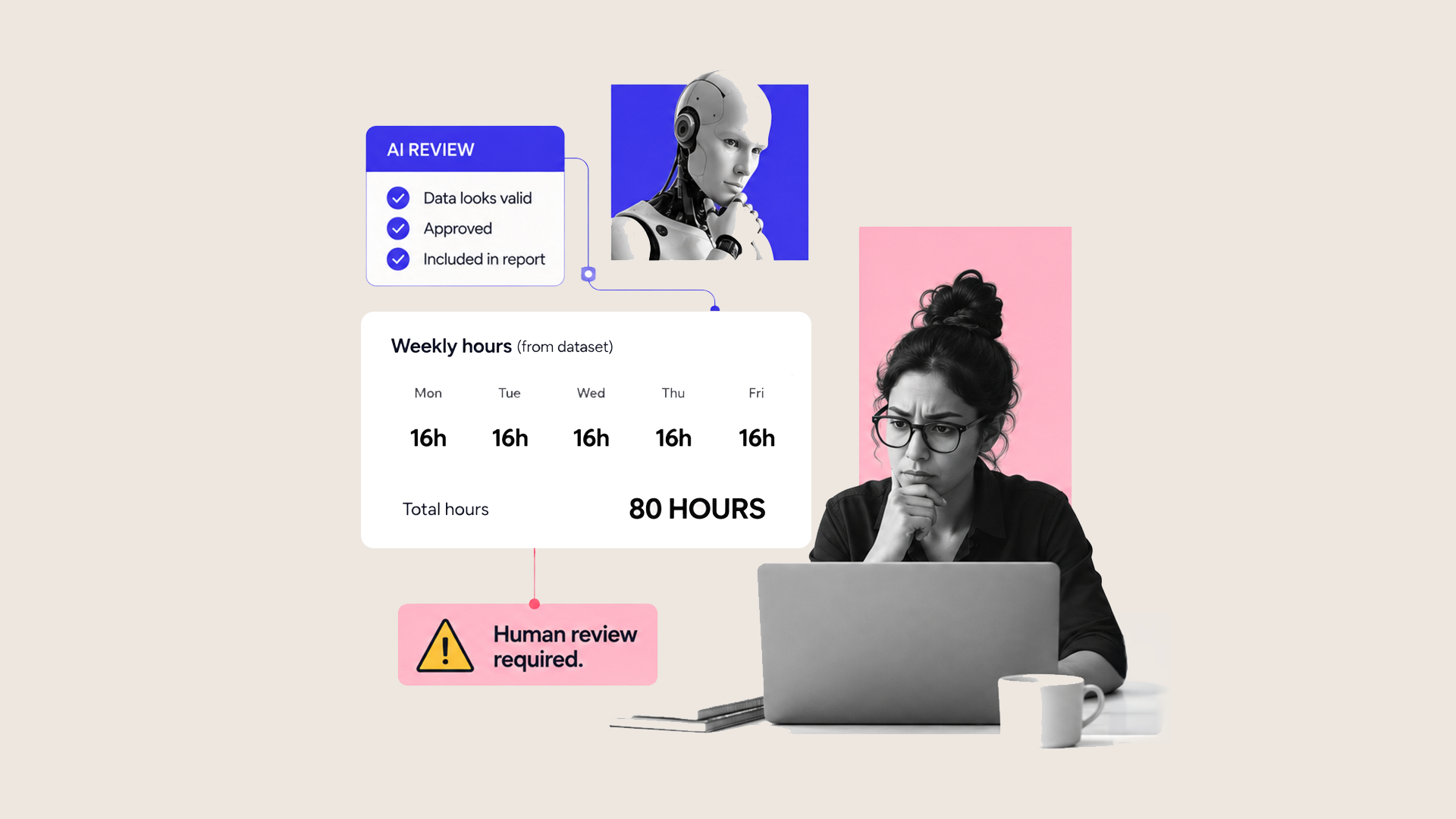
Then the dashboard showed someone working 80 hours in a week.
We looked at it and immediately knew something was wrong.
The AI did not.
It had no reason to question the figure unless we gave it rules telling it what a reasonable working week should look like. To the model, 80 was simply another number in the dataset.
So we had to trace the data backwards, work out where the duplication was happening, correct it and check the result again.
That is the part that gets missed when businesses start talking about AI dashboards, forecasting and automated reporting. AI can analyse the information incredibly quickly. Someone still needs to understand what the numbers should look like well enough to challenge the answer.
Until we trust the data, we do not trust AI to make decisions from it.
2. When context matters more than a match scoreRecruitment is a good example of where the boundary is less obvious.
When we post a role, we can receive a huge number of applications very quickly. We use AI in monday.com to help us get through them. It can summarise CVs and identify useful information, such as whether someone has experience with monday. com, Salesforce or workflow tools.
That saves a lot of time.
Where we become much more cautious is allowing AI to decide who the best candidate is.
CVs are already becoming harder to judge. We regularly see applications that look like a perfect match because candidates have used AI to rewrite their experience around the job description. We have even received applications where someone forgot to remove the follow-up prompt from the AI output.
If you then use another AI system to score that CV against the same job description, you have two systems effectively checking how well they match each other's language.
So we use AI to help with the volume and the admin. We still want conversations, judgement from the team and context around the person before making the decision.
AI can help us get to the useful part of recruitment faster. We do not want a match score making the final call.
3. When the process isn’t documented We learnt this one inside our own business.
As mutherboard grew from around eight people to roughly 27 in a matter of months, onboarding became a problem.
When the team was smaller, a lot of the process worked because the people doing the training already knew how everything worked. Someone new could ask a question and get the answer. Managers could fill in the gaps as they went.
Then we started hiring faster.
New starters were asking where things are saved and how processes worked. Managers were spending more time teaching things individually. Eventually, the gap started showing up in client delivery because people could have the technical skills and still be missing part of the way we worked.
The problem was the knowledge sitting inside people's heads.
AI can’t fix that for you.
Before we automate a workflow, we need to understand what starts it, what happens next, who owns each part and what changes when something unusual happens.
The exceptions matter too. People who have been doing the same job for years often deal with those automatically. They know that one type of client gets handled differently, finance needs to approve a particular case, or one request should go down another route.
An automated workflow needs those rules written down.
Otherwise, you automate the version of the process people say they follow and miss the version they use in real life.
4. When a client conversation needs judgementWe are already using AI to help us manage one of the harder parts of delivering client projects: scope creep.
Our project managers can be running four or five projects at once. Each project has its own statement of work, conversations and decisions. A few months into a project, remembering whether something was included in the original scope becomes difficult for everyone, including the client.
So we use AI to help.
It can review calls against the statement of work and flag something that looks as though it could sit outside scope.
That is useful because the project manager doesn’t have to remember every detail from every scoping call.
Sometimes the flag is right. Sometimes people were simply discussing what could be possible. Sometimes there is a good commercial reason to include the work anyway.
The person managing the relationship needs to decide what happens next.
The same applies to missed deadlines, pricing changes, complaints and apologies. AI can collect the history, find the information and help prepare for the conversation. Then someone needs to have it.
5. When getting it wrong has consequencesThere are plenty of actions we are happy for automation to handle from start to finish.
There are others where we deliberately add an approval.
If something sends money, sends important information to a client, changes a contract or deletes data, someone checks it first.
Take payment links.
In our own setup, the customer details can already be in monday.com. The payment link can be created using that information without someone copying the details across manually.
We still want someone to check the amount and the customer before it goes out.
If the wrong figure is sent to a client, you can technically correct it. You still have to contact them, explain what happened, send the right information and potentially deal with whatever the incorrect message caused.
So our rule is based on consequence rather than whether something can technically be reversed.
The bigger the consequence of an incorrect action, the stronger the case for a human approval before it happens.
Where should you draw the line?Start with one workflow you already use AI or automation in.
Go through it step by step and ask:
If this step is wrong, how quickly would somebody notice?
Then ask:
If it is wrong, what happens next?
If a bad output affects a client, payment, contract or important data, be specific about what needs checking before it goes through.
We are enthusiastic about AI because we are seeing what it can do inside our own business. We have also tried enough things that didn’t work to know that handing over more of the process is not always the answer.
The useful question is much more specific: where can AI save your team time without creating a bigger problem somewhere else?